MaiPDF PDF Access Tracking Guide
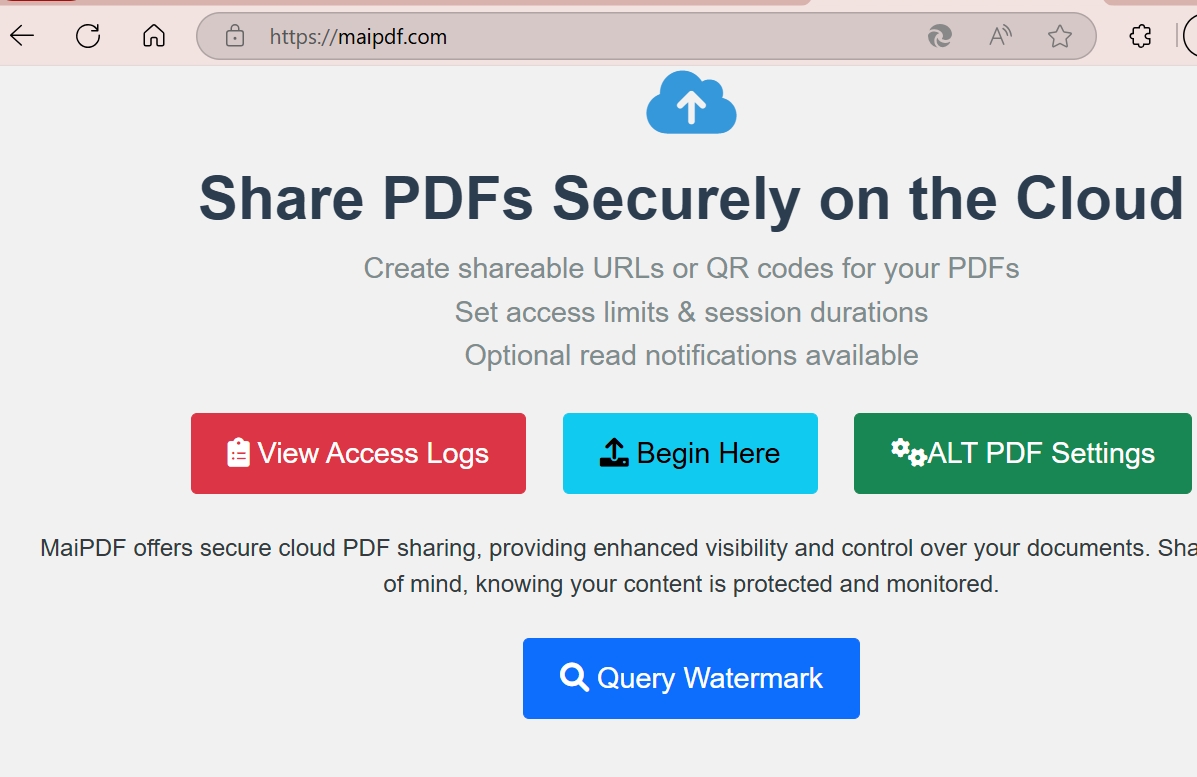
Flow Diagram
Interactive Flow Diagram
Core Features of MaiPDF
Access Logging
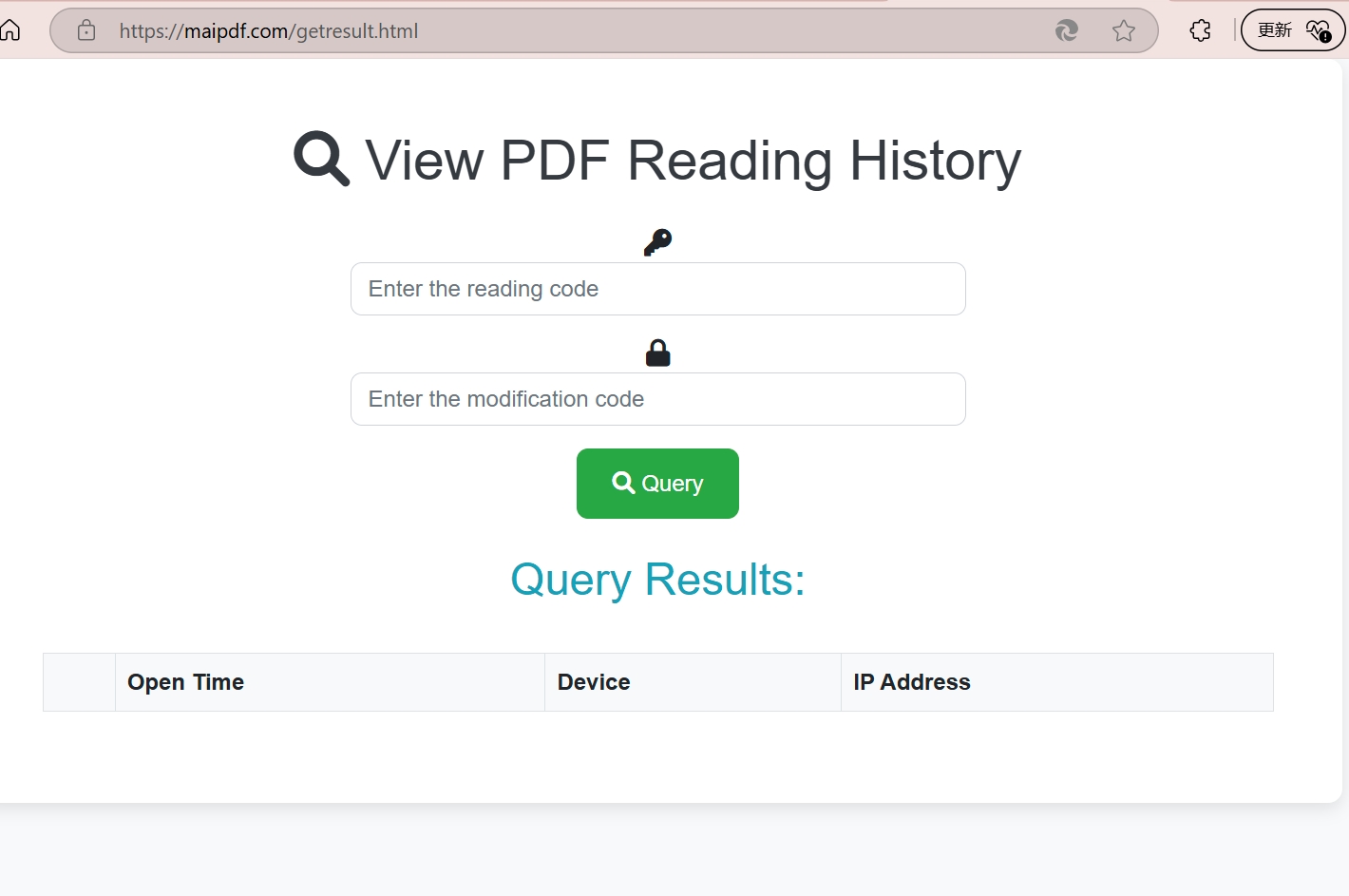
MaiPDF records several common access data points, including:
- IP Address Logging - Request source information and approximate geolocation
- Timestamp Recording - Access time records
- View Count Statistics - Repeated view counts
- Geographic Intelligence - Region-based access summaries
- Device Information - Browser and device details
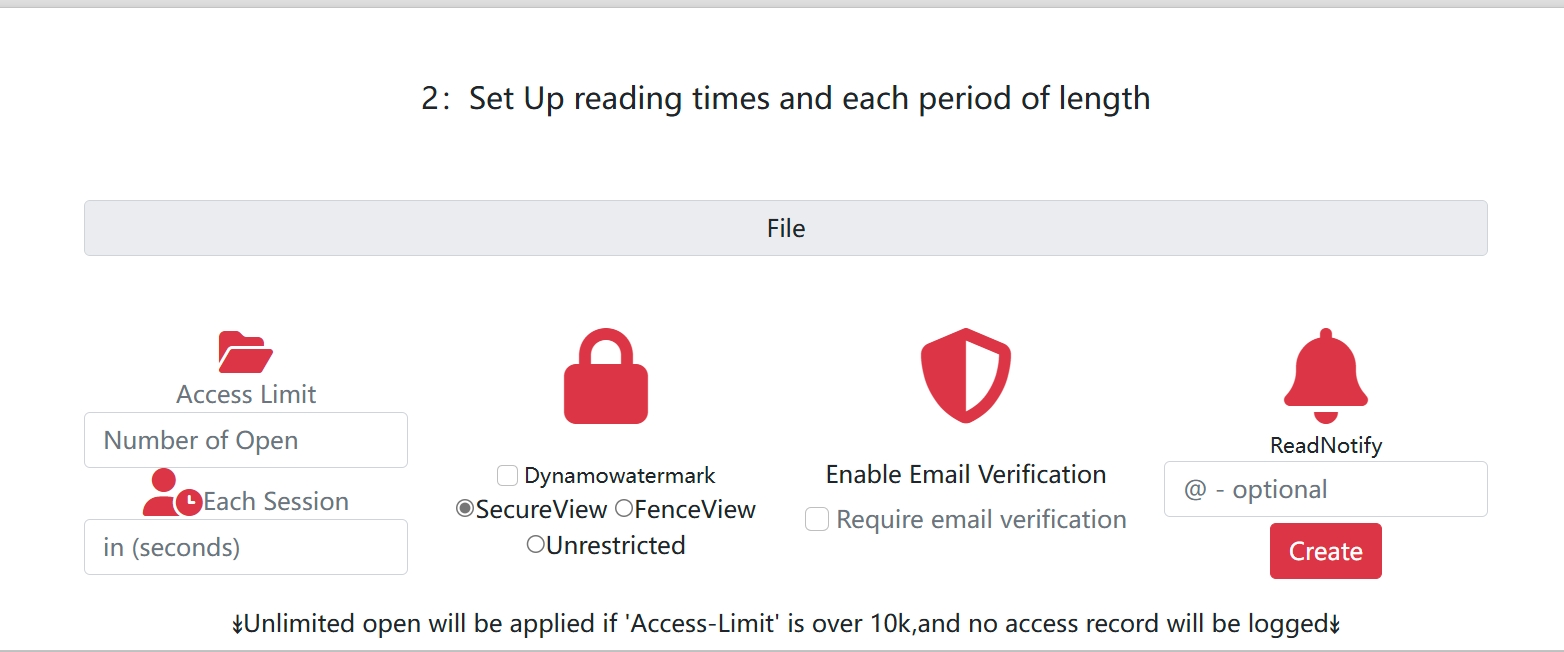
Step-by-Step Guide to Using MaiPDF
Step 1: Upload Your PDF Document
Start by uploading a PDF file to the MaiPDF platform so it can be served through a hosted access page.
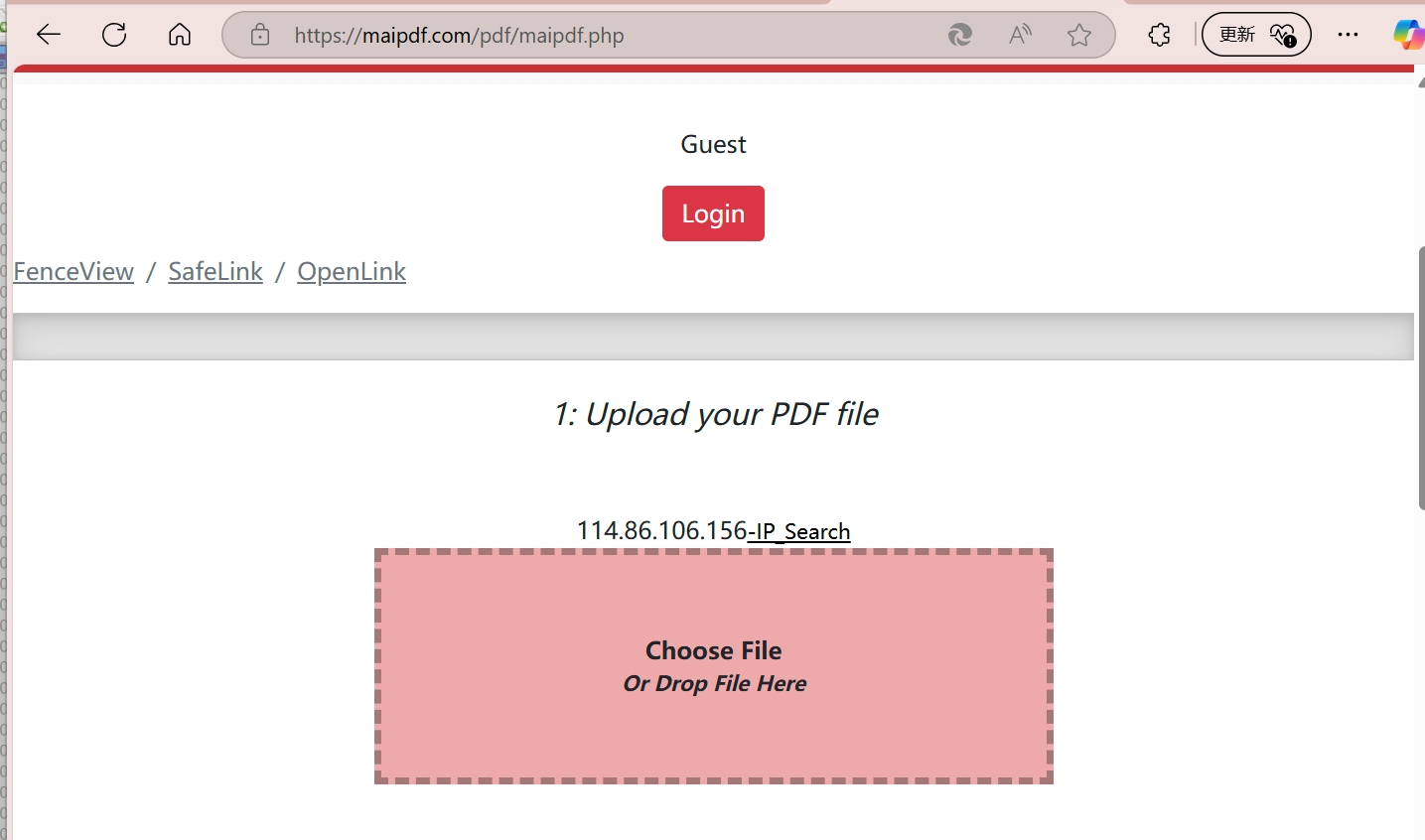
Step 2: Configure Tracking Settings
Configure the document's access and security settings:
- Set access permissions and restrictions
- Configure watermark options
- Enable email verification requirements
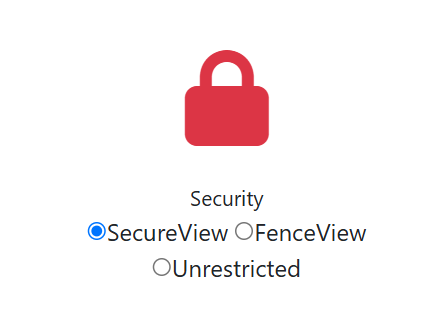
- Choose security level settings
Step 3: Generate Trackable Links
MaiPDF creates unique tracking links and QR codes for easy sharing across multiple platforms.
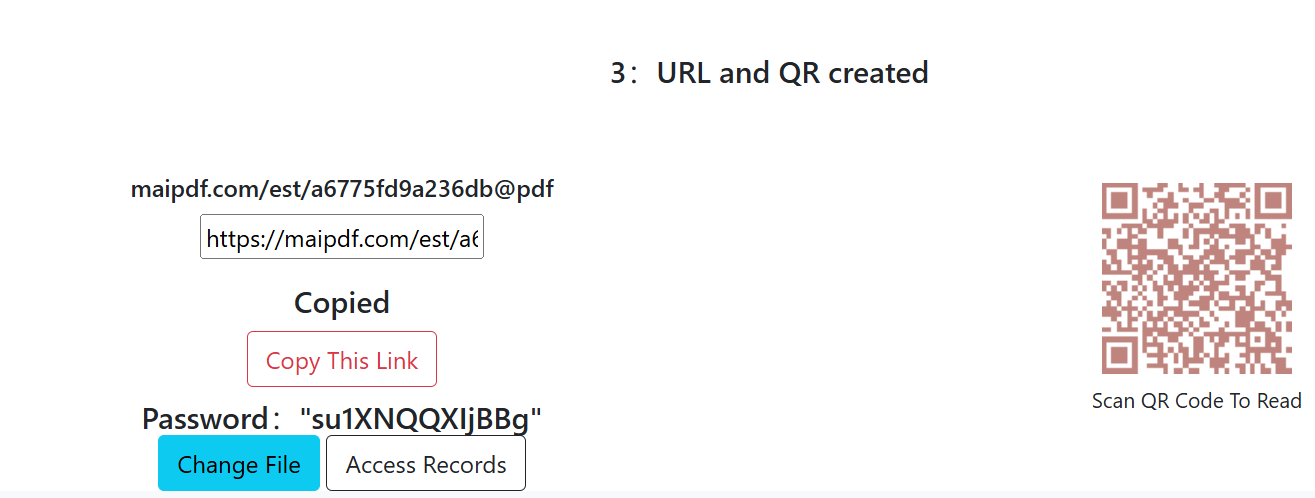
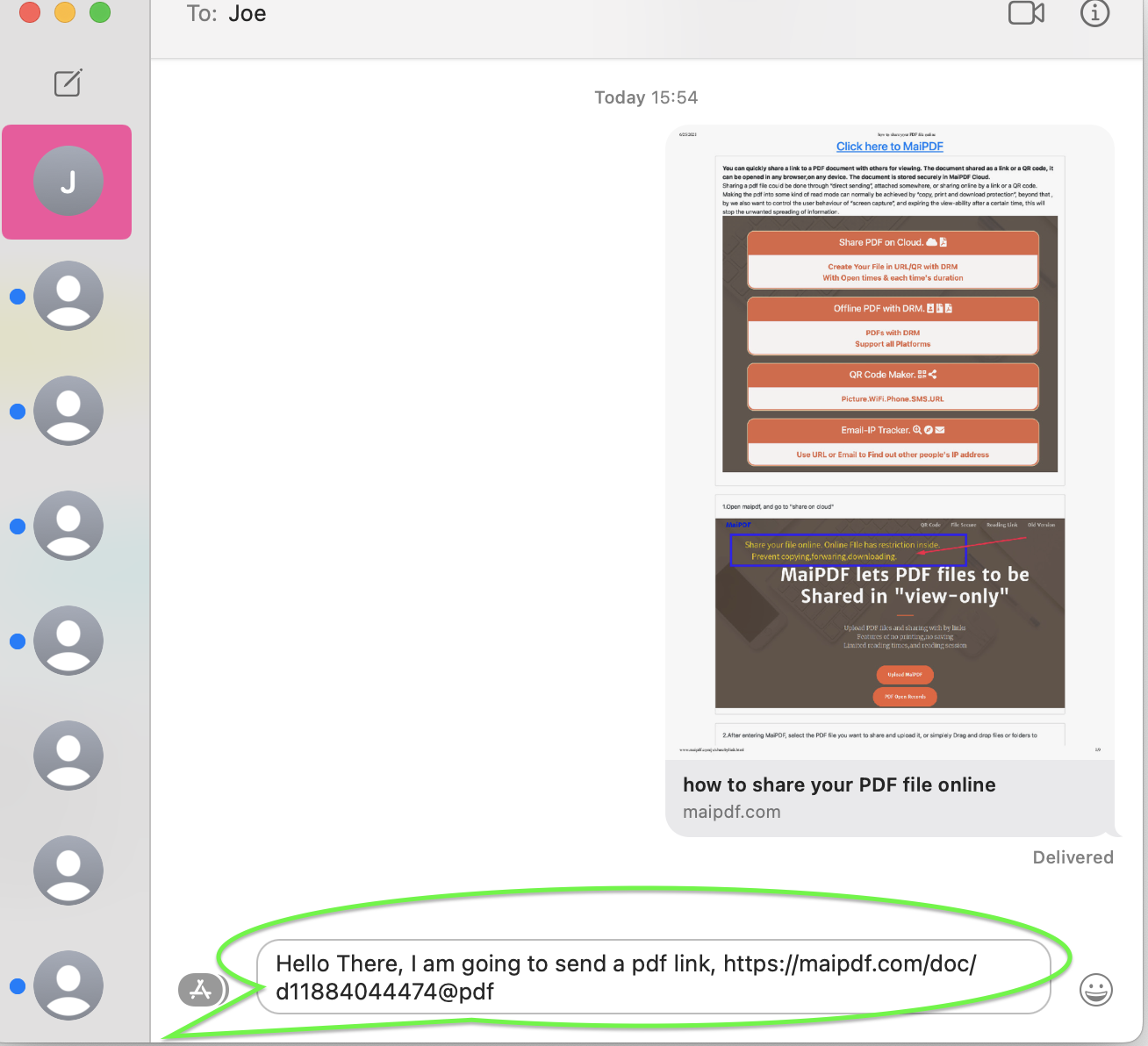
Step 4: Share and Distribute
Share your trackable PDF links through various channels:
- Email campaigns
- Social media platforms
- Instant messaging apps
- Website embedding
Step 5: Monitor Access Analytics
Track and analyze visitor behavior through comprehensive dashboard Data Analytics.
Advanced Features Deep Dive
Analytics and Reporting
Use Cases and Applications
Security and Privacy Features
Benefits of Using MaiPDF
Getting Started with MaiPDF

Conclusion
MaiPDF represents the future of PDF document management, combining advanced tracking capabilities with enterprise-grade security. Whether you're a business professional. educator. or content c...
The platform's comprehensive Data Analytics. flexible security settings. and user-friendly interface make it an invaluable tool for anyone serious about document intelligence and protection.