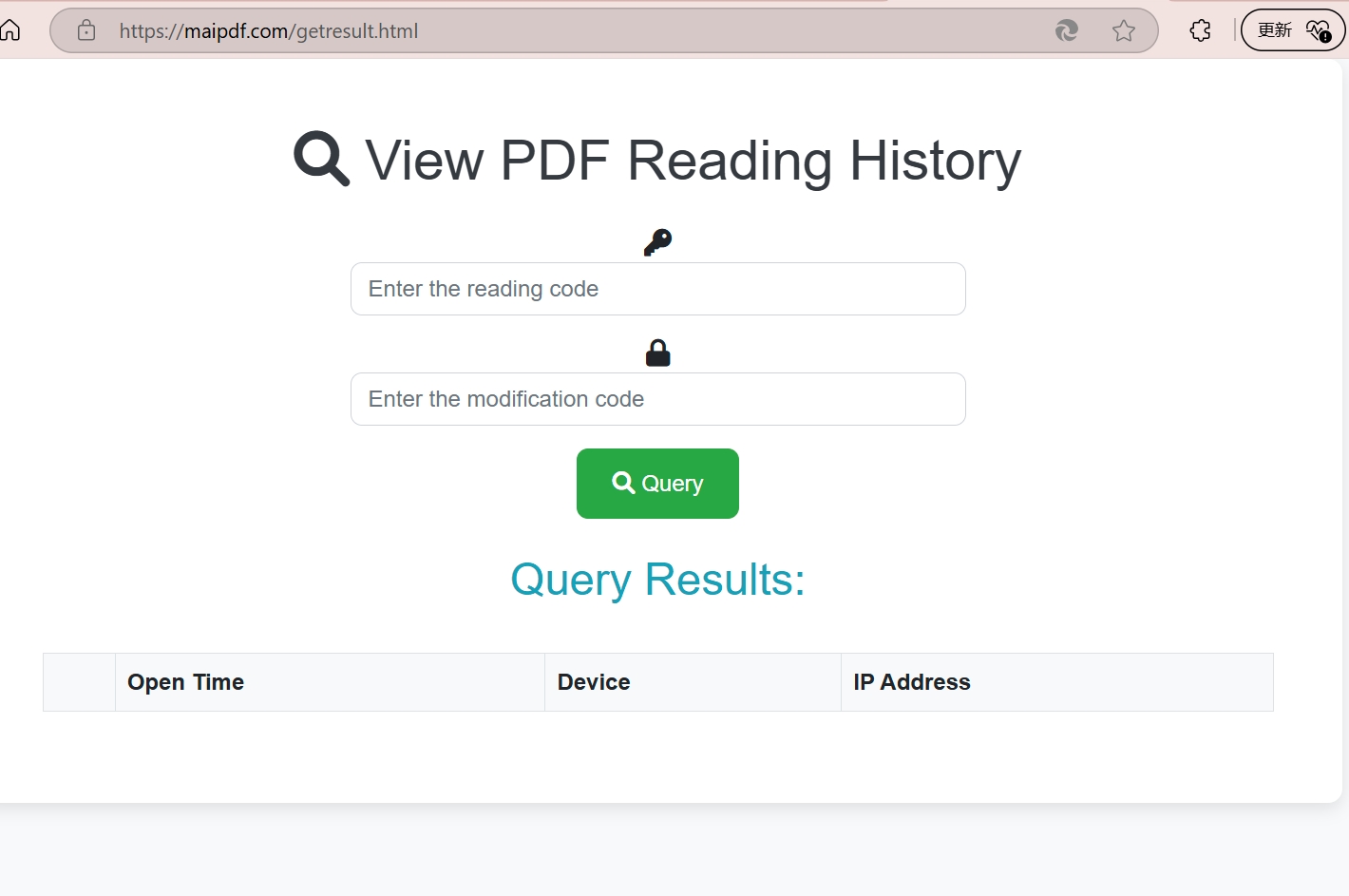
PDF Access Tracking and Reader Visibility
This article explains common ways teams measure PDF access, including logged links, hosted document views, and delivery confirmation patterns. The emphasis here is on understanding the mechanics and limits of each method, not on hiding the tracking from readers.
Legal Disclaimer:
The techniques described in this article should only be used for legitimate business purposes, security auditing, or with proper consent. Always comply with local privacy laws and regulations.
Flow Diagram
Interactive Flow Diagram
flowchart TD
A[Start] --> B[Process Step]
B --> C[Collect Data]
C --> D[Analyze Results]
D --> E[Done]
style A fill:#667eea,stroke:#764ba2,stroke-width:2px,color:#fff
style E fill:#48bb78,stroke:#38a169,stroke-width:2px,color:#fff
Why Teams Review PDF Access
Typical Use Cases
- Delivery Confirmation - Check whether a recipient reached the hosted document or download page
- Audit Trails - Keep a record of when controlled documents were accessed
- Internal Distribution Review - Understand how staff or partners interact with shared files
- Incident Response - Review access history after a suspected leak or policy violation
- Content Operations - See which versions of a document are still being opened
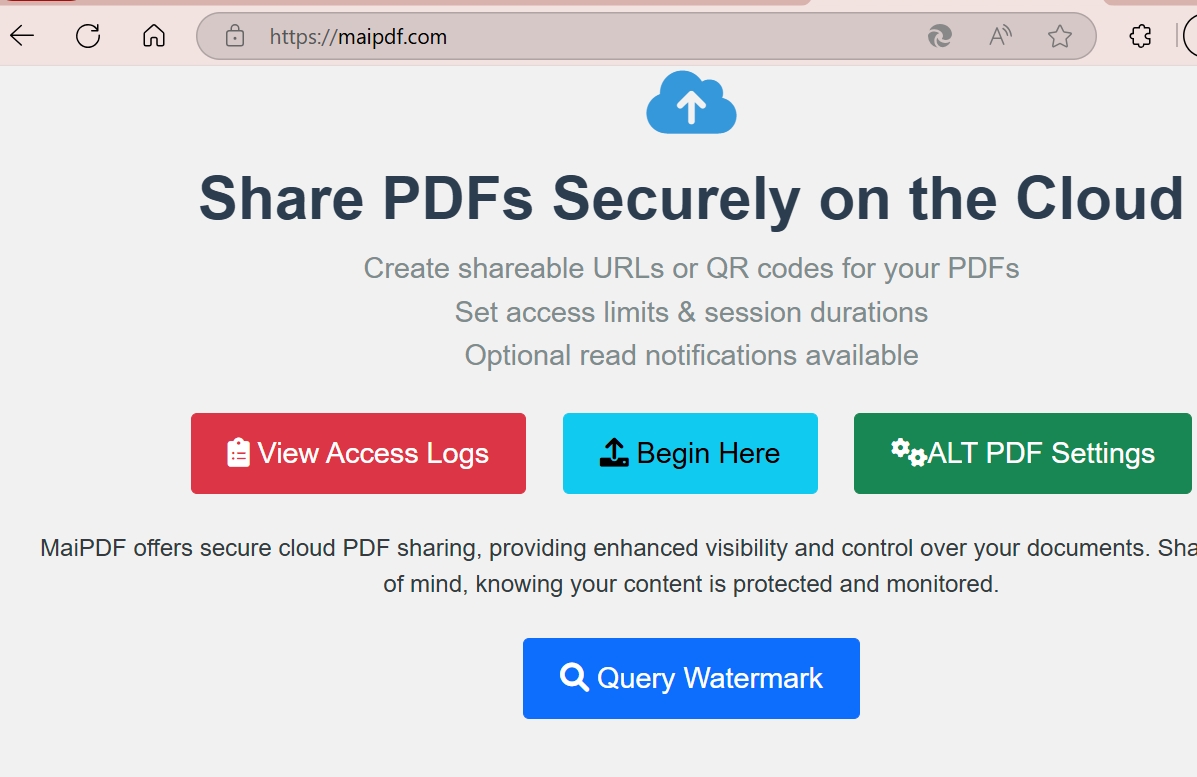
Common PDF Access Tracking Methods
Method 1: Logged Document Links
A common approach is to deliver the PDF through a logged redirect or hosted document page. The reader opens the file through a normal link, but the request first passes through a system that records metadata such as time, IP, and referrer.
How it works:
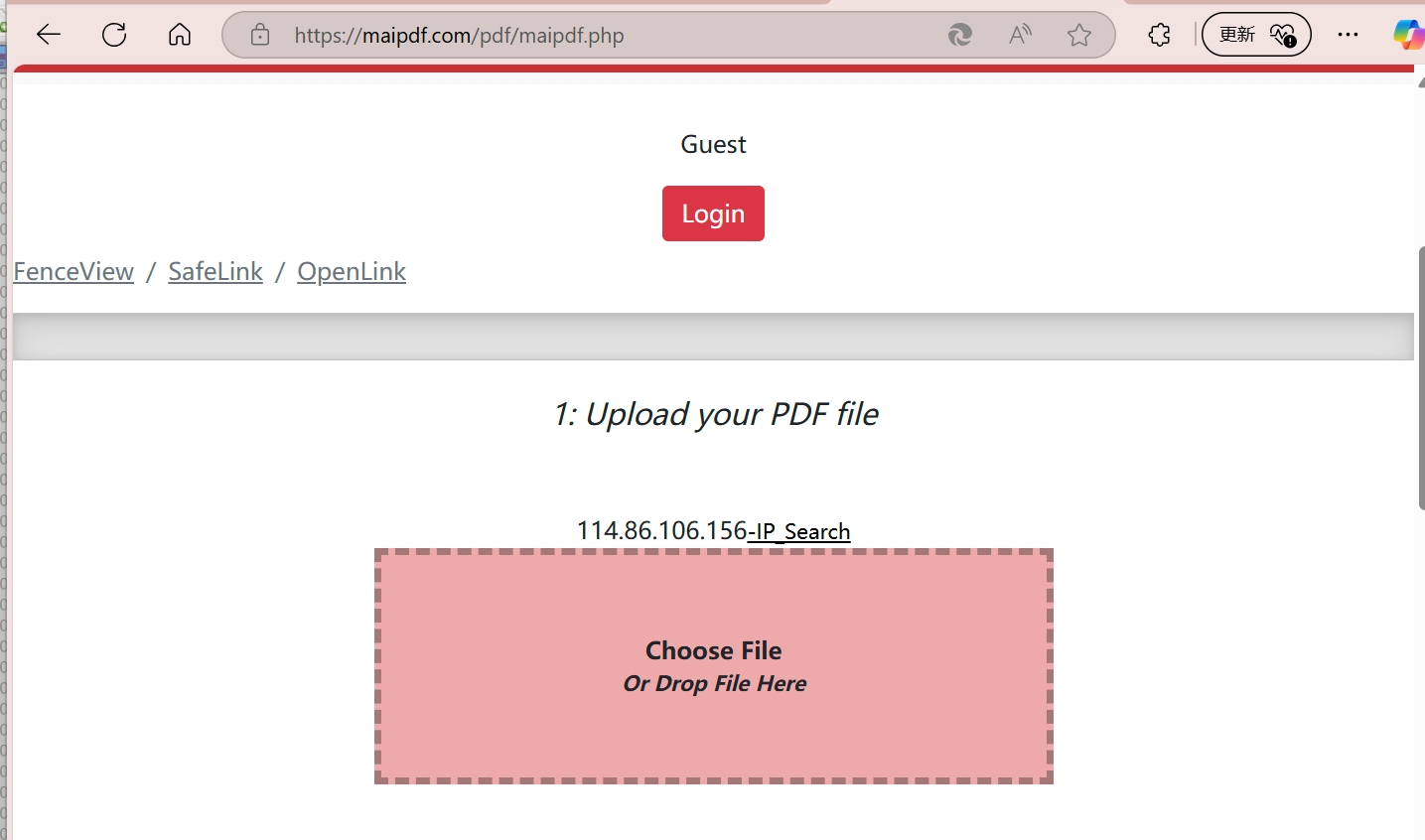
- Upload the PDF to a hosting or tracking service
- Generate a document URL or redirect link
- Share the link with the intended recipients
- Review request logs or reporting data from the service
Method 2: Embedded Tracking Pixels
Embed microscopic tracking elements directly into your PDF that activate when the document is opened.
Technical Implementation:
- 1x1 pixel images that load from tracking servers
- Hidden JavaScript elements (for PDF readers that support it)
- Invisible watermarks with callback URLs
- Metadata tracking codes
Note:
This method works even when PDFs are downloaded and opened locally, making it incredibly powerful for comprehensive tracking.
Method 3: Dynamic Personalization
Create unique versions of your PDF for each recipient, enabling precise tracking of who accessed what.

Personalization Elements:
- Unique document IDs embedded in content
- Recipient-specific watermarks
- Personalized tracking URLs
- Individual access codes
What Data Can Be Collected?
Network Data
- IP Address - Exact location and ISP information
- Geographic Data - City, region, and country details
- Network Type - Corporate, residential, or mobile networks
- Proxy Detection - Identify VPN or proxy usage
Device and Behavior Data
- Device Fingerprinting - Unique device identification
- Reading Patterns - Time spent on each page
- Access Frequency - How often they return to the document
- Sharing Behavior - If and how they forward the document
- Download Attempts - Track save and print actions